
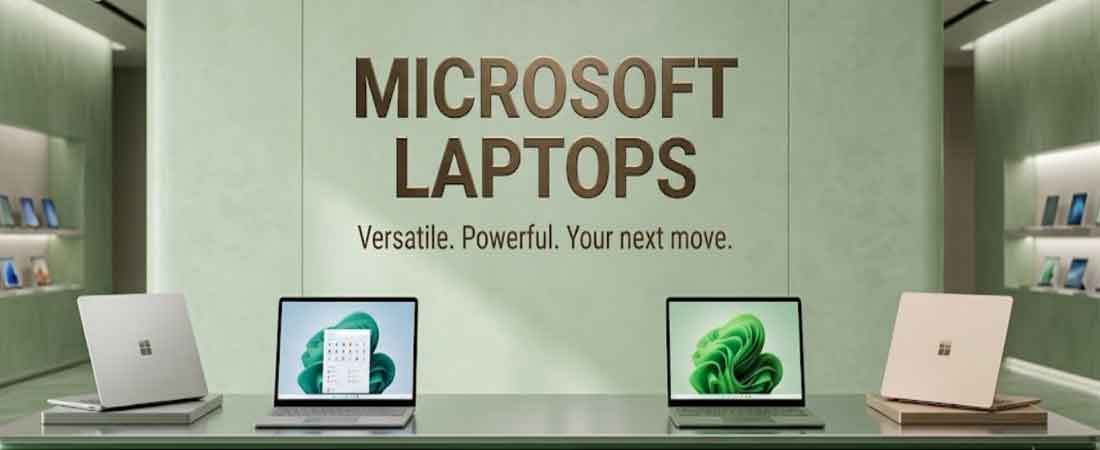
Microsoft Surface Laptops in Delhi and NCR
Dream-N-Drive Pvt Ltd supplies genuine Surface devices across Delhi NCR, covering:
- Surface Laptop — traditional clamshell design, available in 13, 13.8 and 15 inch
- Surface Pro — 2-in-1 tablet and laptop hybrid, available in 12 and 13 inch
- Surface Laptop Ultra — Microsoft's newest, most powerful Surface ever built
Each of these three product lines genuinely targets a different kind of buyer and workflow, rather than simply offering the same device in different sizes:
- Surface Laptop suits buyers wanting a conventional, dependable laptop with a fixed keyboard
- Surface Pro suits buyers who genuinely value pen input, tablet mode and detachable flexibility
- Surface Laptop Ultra suits developers, AI builders and creative professionals needing serious sustained compute power
Chip architecture also genuinely varies across the range — Intel, Snapdragon and, for the first time, NVIDIA silicon all appear somewhere in the current lineup, each carrying real trade-offs in compatibility, battery life and raw performance that matter considerably more than most buyers realise before purchase.
We explain each of these 6 configurations in genuine depth below, since choosing correctly means understanding real chip, memory and display differences across the range, not just comparing price tags or screen size on a spec sheet.
Why Choosing the Right Surface Device Genuinely Matters
Microsoft's current lineup spans genuinely different chip architectures and use cases:
- Intel and Snapdragon chips offer different trade-offs between compatibility and battery life
- RAM configuration cannot be upgraded after purchase on any current Surface
- Copilot+ PC features require a genuine 16GB minimum RAM threshold
- Surface Laptop and Surface Pro serve genuinely different daily workflows
We help match your actual workflow, software needs and budget to the right configuration, rather than defaulting to whichever model carries the best margin. As a trusted Surface laptop supplier in Delhi NCR, we confirm exact compatibility before every sale.
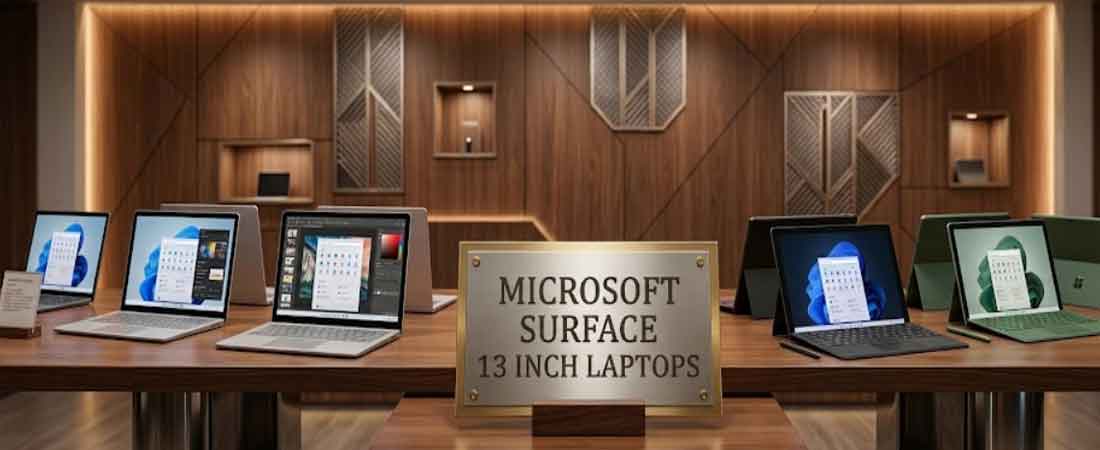
Surface Laptop 13-inch — Complete Configuration Guide
The Surface Laptop 13 inch price Delhi NCR tier represents Microsoft's mid-range everyday option, and for the 8th Edition, it marks a genuine shift — this is the first 13-inch Surface Laptop to ship with Surface Laptop Intel Delhi NCR silicon rather than Qualcomm Snapdragon, running on the new Intel Core Ultra Series 3 platform.
| Specification | Detail |
|---|---|
| Chip | Intel Core Ultra Series 3 |
| RAM | 8GB (non-Copilot+ variant) or 16GB (Copilot+ compatible) |
| Display | Anti-reflective screen, new for this generation |
| Price | From $1,299 (8GB) / $1,499 (16GB) |
Genuine considerations before choosing this configuration, based on what actually differs from the previous generation:
- The 8GB variant is genuinely tight for normal multitasking — independent testing shows Teams, Chrome, Slack and a PDF viewer together putting real pressure on available memory
- Only the 16GB configuration unlocks Copilot+ PC AI features
- The anti-reflective coating genuinely helps in bright office environments with overhead lighting or window glare
- Intel silicon here means zero software compatibility concerns, unlike ARM-based Snapdragon variants
For buyers prioritising broad software compatibility over battery life, and who plan to stick with 16GB RAM, this configuration genuinely offers dependable everyday performance without needing to verify ARM compatibility for any specific application.
Design and build quality remain consistent with the wider Surface Laptop family:
- Aluminium chassis construction with the familiar Surface fit and finish
- 3:2 aspect ratio display, genuinely better suited to document and web browsing than typical 16:9 laptop screens
- Standard Surface keyboard and precision touchpad, consistent across the range
Microsoft's decision to bring Intel silicon specifically to this size and price tier genuinely signals an attempt to win back buyers who avoided earlier Snapdragon-only Surface Laptop models over software compatibility concerns, particularly relevant for businesses running specialised legacy Windows applications that lack ARM support entirely and cannot reasonably wait for a vendor update.
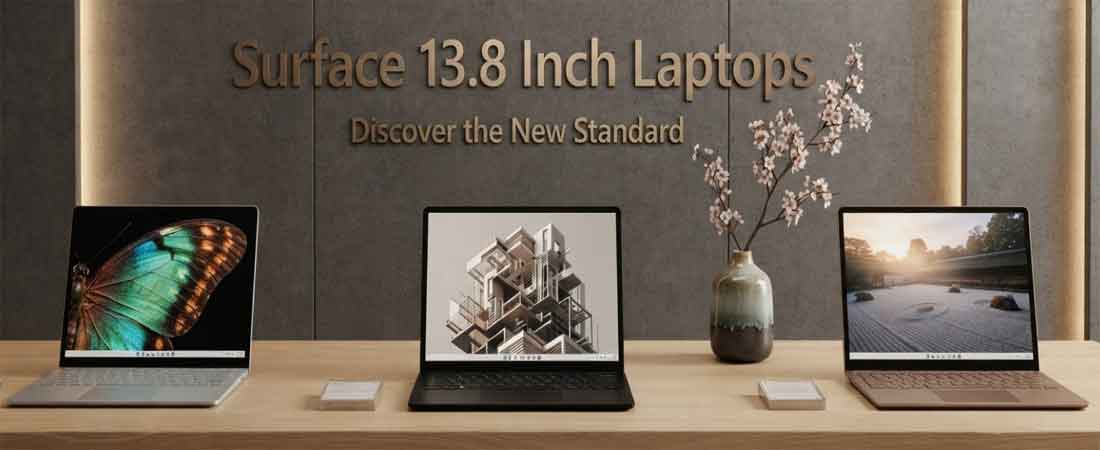
Surface Laptop 13.8-inch — Complete Configuration Guide
The Surface Laptop 13.8 inch Delhi NCR configuration runs on Surface Laptop Snapdragon Delhi NCR silicon specifically, offered in Plus or Elite tiers, positioning it as the genuinely portable option within the Snapdragon-powered side of the lineup.
| Specification | Detail |
|---|---|
| Chip | Snapdragon X2 Plus or Snapdragon X2 Elite |
| Display | 120Hz HDR touchscreen, 2304x1536, 201 PPI |
| RAM | Up to 64GB, removable SSD storage |
| Connectivity | WiFi 7, built-in NPU for AI-assisted tasks |
Genuine strengths of this configuration, based on Microsoft's own testing and independent third-party reviews conducted after launch:
- All-day battery life tested through full local video playback discharge cycles
- 120Hz HDR touchscreen genuinely improves scrolling smoothness, video playback and everyday content viewing considerably
- Built-in NPU accelerates on-device AI creative tools directly on the machine without depending on cloud processing
- Compact 13.8-inch size genuinely balances usable screen real estate with practical, everyday portability for daily carry
Microsoft specifically markets this configuration toward students needing all-day battery through a full campus day, and content creators wanting photo and video editing capability without being tethered to a fixed desk or power outlet.
The Snapdragon X2 platform genuinely brings meaningful, measurable gains over its predecessor rather than a purely incremental refresh:
- Improved sustained performance under continuous workloads compared to the previous generation Snapdragon X
- Better thermal efficiency, translating directly to quieter fanless or genuinely near-silent operation during everyday use
- Consistent app compatibility improvements since Windows on ARM's earlier, genuinely rough transition period a few years ago
For casual gaming during travel or breaks between work sessions, Microsoft notes the combination of Snapdragon X2 performance, the 120Hz touchscreen and all-day battery genuinely supports lighter gaming sessions without needing a dedicated gaming laptop or constant access to a power outlet during a commute or a short break away from a desk.
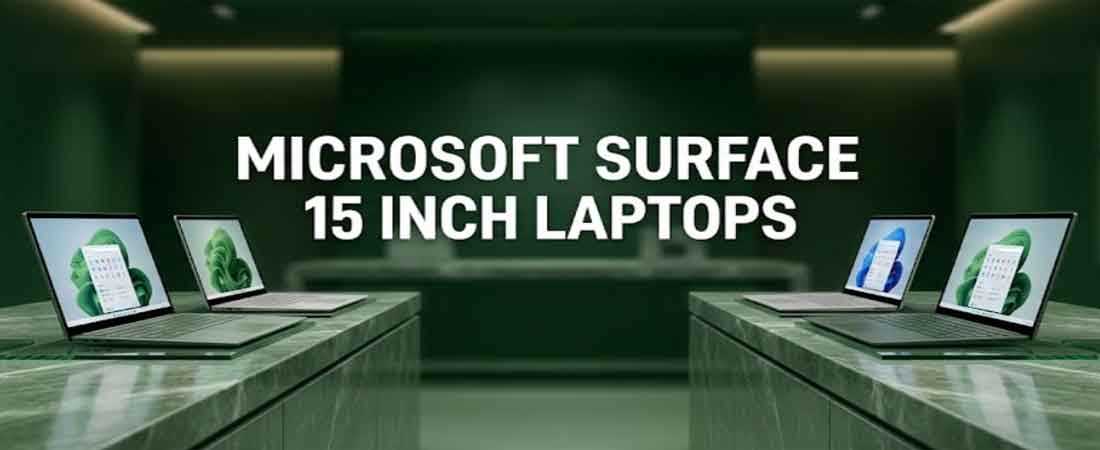
Surface Laptop 15-inch — Complete Configuration Guide
The Surface Laptop 15 inch Delhi NCR configuration represents the largest screen in the standard Surface Laptop line, and this generation brought a genuinely significant upgrade worth understanding in detail.
| Specification | Detail |
|---|---|
| Chip | Snapdragon X2 Elite |
| Display | Surface Laptop high resolution display Delhi NCR — 262 PPI |
| RAM | Up to 64GB, removable SSD storage |
| External Displays | Up to three 4K monitors via compatible docks |
The genuine headline upgrade here, and the one most buyers will actually notice day to day rather than in a spec sheet, is display resolution:
- 262 PPI marks a genuine jump from 201 PPI on the previous generation — a considerable, noticeable sharpness improvement
- Windows text and icons render noticeably crisper and more refined at this higher pixel density than before
- The larger 15-inch canvas genuinely suits side-by-side document, spreadsheet or code comparison work throughout a full normal working day
- Supporting three external 4K displays genuinely makes this a capable, complete desk-replacement machine for daily office use
For developers specifically, Microsoft highlights this size for side-by-side code views, while the additional screen real estate genuinely benefits anyone regularly working across multiple open windows and applications simultaneously each day.
This model also carries the same underlying platform improvements as its 13.8-inch sibling, inherited directly from the shared Snapdragon X2 Elite architecture:
- Same Snapdragon X2 Elite efficiency and thermal advantages
- Built-in NPU supporting on-device AI-accelerated developer tools
- All-day battery life sustained even at the larger 15-inch screen size, despite the additional pixels to drive
Configuring additional RAM and SSD storage genuinely matters more at this size, since buyers choosing 15-inch are typically doing so specifically for demanding, screen-intensive workflows like development environments, multi-repo projects or intensive creative work, rather than basic browsing where a smaller, cheaper model would already suffice for daily needs.
Surface Pro 12-inch — Complete Configuration Guide
A Surface Pro price Delhi NCR conversation typically starts here, at the lightest and most affordable entry point into the Surface Pro range.
| Specification | Detail |
|---|---|
| Chip | Snapdragon X2 Plus (10-core) or Snapdragon X2 Elite (12-core) |
| RAM | 16GB standard, configurable higher on select variants |
| Storage | 256GB standard SSD |
| Display | LCD standard; OLED option available for the first time on this generation |
| Colours | Platinum, Black, Dune |
A naming clarification worth understanding: Microsoft's "12th Edition" refers to this generation of Surface Pro, which is a genuinely separate detail from physical screen size — the smaller, most portable configuration within this 12th Edition generation is the one covered here, distinct from the larger 13-inch variant covered separately below.
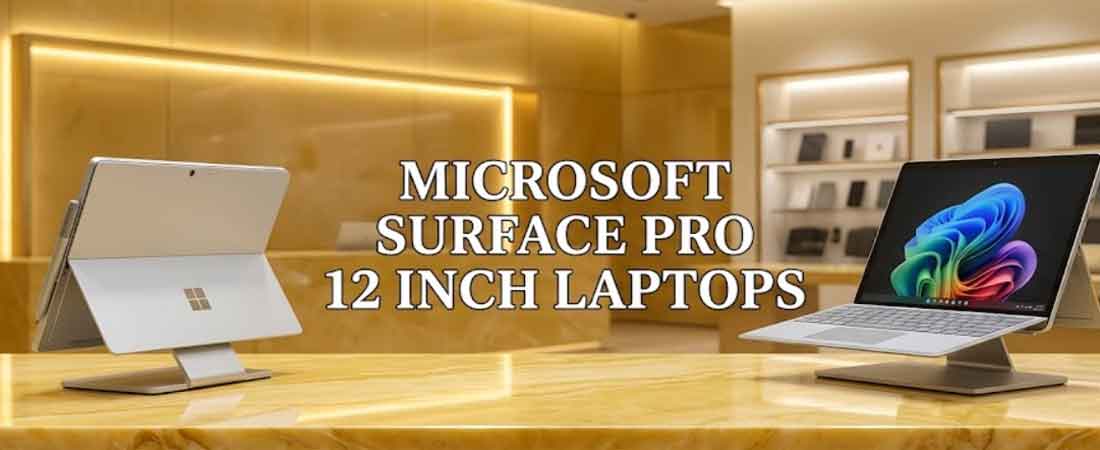
The Surface Pro 12 inch Delhi NCR configuration is genuinely the most compact and portable option within Microsoft's Surface Pro 2-in-1 Delhi NCR lineup, positioned specifically as the lightest entry point into the tablet-laptop hybrid form factor Microsoft currently offers.
- Genuinely the smallest, lightest Surface Pro variant currently available in the entire lineup
- Shares the exact same core 12th Edition platform and underlying architecture as the larger 13-inch model
- Genuinely well suited to buyers who consistently and deliberately prioritise portability above having maximum available screen real estate
- Detachable keyboard and full pen input support carry over directly from the larger, more capable 13-inch sibling model
For students and frequent travellers specifically, this genuinely smaller footprint fits more easily into a daily bag while still reliably delivering the flexibility of switching between laptop, tablet and tent modes for reading, note-taking or presentations throughout the day. Buyers wanting maximum display size or the OLED option should look toward the larger 13-inch variant instead, since this particular model prioritises genuine compactness above raw maximum capability.
The 2-in-1 form factor genuinely offers several practical, everyday advantages worth understanding before making a purchase decision:
- Built-in kickstand allows hands-free viewing at adjustable angles
- Detaching the keyboard instantly converts the device into a genuine standalone tablet for reading or presenting
- Pen input support enables handwritten notes and precise sketching directly on the display surface
- Windows Hello facial recognition provides quick, secure login without ever needing to type a password manually
This size genuinely suits buyers who value carrying the absolute lightest device possible while still retaining full Windows functionality, rather than compromising with a genuine Android or iOS tablet that cannot run desktop-class Windows software or connect to enterprise systems the same way, and cannot install standard business applications reliably.
Surface Pro 13-inch — Complete Configuration Guide
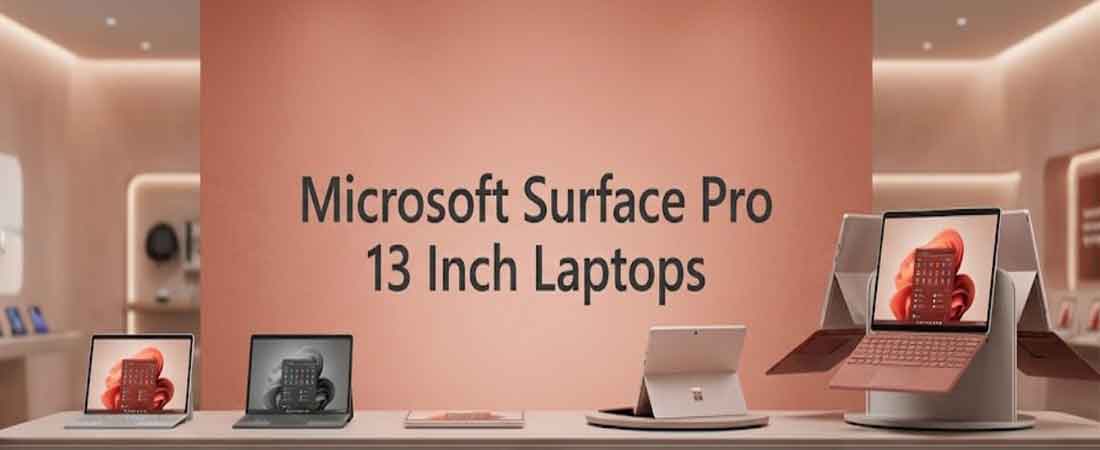
The Surface Pro 13 inch Delhi NCR configuration is genuinely the flagship of Microsoft's 2-in-1 line, available with either Intel or Snapdragon silicon and, for the first time, an optional Surface Pro with OLED Delhi NCR display option.
| Specification | Detail |
|---|---|
| Chip | Intel Core Ultra 5/X7 (Series 3) or Snapdragon X2 Plus/Elite |
| Display | 2880x1920, 120Hz, optional OLED with Dolby Vision IQ, Gorilla Glass 5 |
| RAM | Up to 64GB LPDDR5x, Gen 4 SSD |
| Ports | Dual USB-C/USB4, Surface Connect port |
| Battery | Up to 15.5 hours video playback |
| Camera | 1440p ultrawide front, 10MP rear |
Genuine strengths worth understanding before choosing between the OLED and standard display options:
- Optional OLED panel delivers genuinely deeper blacks and richer colour than the standard LCD option
- Updated Surface Slim Pen supports Windows 11's new haptic feedback signals
- Built-in kickstand shifts fluidly between full desk setup and portable annotation tool
- Supports up to three external 4K monitors for a genuine full desk workflow
Microsoft specifically positions this for digital artists and illustrators through the Slim Pen and OLED combination, architects and technical designers for blueprint markup and freehand sketching, and developers wanting a device that switches fluidly between laptop and tablet mode for diagnostic and testing workflows.
The choice between Intel and Snapdragon variants matters more here than on other Surface models, given the professional creative workloads this size typically attracts:
- Intel Core Ultra 5/X7 suits buyers running specialised creative software without confirmed ARM support
- Snapdragon X2 Plus/Elite suits buyers prioritising battery life for all-day location work
- Both variants share the same display, pen and kickstand capabilities
Field technicians and service teams also benefit genuinely from optional 5G connectivity available on business configurations, supporting real-time data access and work order updates without depending on nearby WiFi availability during site visits or installations far from a stable office network.
Surface Laptop Ultra — Complete Configuration Guide
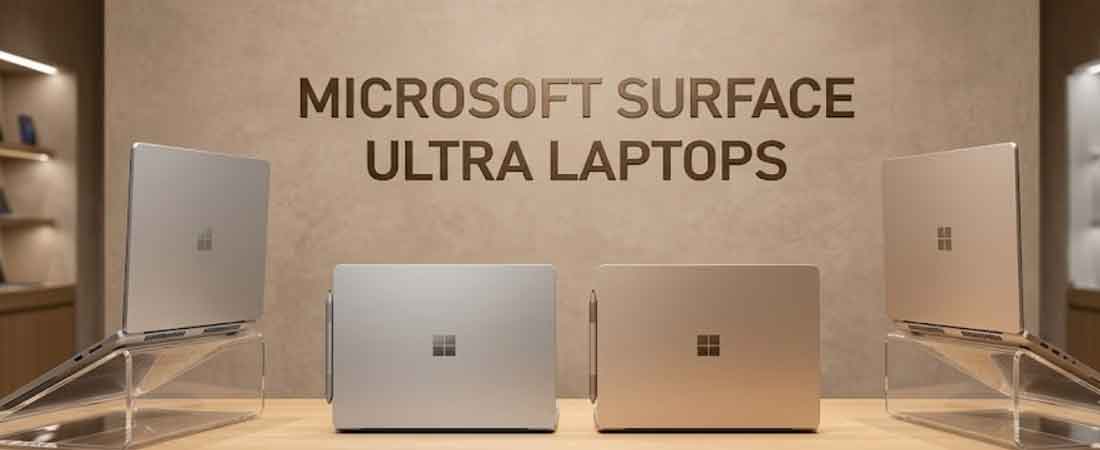
The Surface Laptop Ultra price Delhi NCR tier represents a genuinely fundamental shift for Microsoft's hardware strategy — built on the entirely new Surface Laptop Ultra RTX Delhi NCR platform in partnership with NVIDIA, moving beyond the Intel-versus-Snapdragon choice that defines the rest of the lineup.
| Specification | Detail |
|---|---|
| Chip Platform | NVIDIA RTX Spark (N1X/N1), 20-core Arm CPU |
| RAM | Up to 128GB unified memory with full CUDA support |
| Display | 15-inch mini-LED, 2,000 nits brightness |
| Launch | October 2026 window |
Genuine significance of this platform shift, beyond just marketing language:
- First Surface device built around NVIDIA silicon rather than Intel or Qualcomm
- Full CUDA support genuinely matters for local AI model development, data science work and machine learning research
- 128GB unified memory dynamically allocates between CPU and GPU based on genuine real-time workload demand as it changes
- Positioned specifically as Surface Laptop Ultra for AI Delhi NCR workloads Microsoft's previous lineup could not handle
Microsoft describes this device explicitly for developers, creative professionals and AI builders working with massive scenes, long compile cycles and local models that no longer fit comfortably in the background of a standard laptop — genuinely not a device aimed at typical office or student use.
The NVIDIA partnership itself is genuinely significant beyond just this one device:
- Represents Microsoft's first serious answer to Apple's own high-end silicon integration
- N1X and N1 chips form the foundation of NVIDIA's broader RTX Spark platform strategy
- Positions Surface Laptop Ultra as competing directly with workstation-class machines, not typical ultrabooks
Given the genuinely premium positioning and brand-new platform, we recommend buyers confirm specific software compatibility and real-world availability with us directly before committing, since a first-generation platform launch can carry genuine early adoption considerations that a more established, thoroughly tested chip generation would not present in the same way.
Surface Laptop vs Surface Pro — Which Should You Choose?
This genuinely comes down to whether tablet functionality and pen input matter to your workflow:
- Choose Surface Laptop for a conventional laptop experience with a fixed keyboard
- Choose Surface Pro if pen input, tablet mode or true portability genuinely matter
- Surface Pro's detachable keyboard is sold separately on most configurations
For a common Surface Laptop vs Surface Pro Delhi NCR question, buyers in design, architecture or heavy note-taking roles genuinely benefit from Surface Pro's flexibility, while buyers wanting straightforward daily productivity are usually better served by Surface Laptop's simpler, more traditional form factor.
Within Surface Pro itself, the Surface Pro 12 inch vs 13 inch Delhi NCR decision comes down to prioritising portability (12-inch) versus display size and OLED availability (13-inch).
Intel or Snapdragon — Understanding the Real Trade-off
This genuinely matters across most of the current lineup:
- Intel offers guaranteed compatibility with every Windows application without exception
- Snapdragon (ARM) genuinely delivers longer battery life and better efficiency
- Most mainstream software now runs smoothly on ARM through Microsoft's Prism translation layer
- A small number of specialised professional applications may still lack native ARM versions
We recommend checking your specific critical software's ARM compatibility before choosing Snapdragon, though for the vast majority of general business, creative and student use, this concern has genuinely become minor compared to a few years ago.
RAM Configuration and Copilot+ PC Explained
RAM cannot be upgraded after purchase on any current Surface device, making this decision genuinely permanent:
- A 16GB RAM Surface laptop Delhi NCR configuration is our practical minimum recommendation
- A 32GB RAM Surface laptop Delhi NCR configuration suits heavier multitasking and creative work
- Copilot+ PC Delhi NCR features require a genuine 16GB minimum threshold to function
- The base 8GB Surface Laptop 13-inch does not qualify for Copilot+ AI features
Storage is more flexible on models with Surface laptop with removable SSD Delhi NCR capability, though this still requires professional handling and voids certain warranty terms if done incorrectly, so we recommend having any storage upgrade genuinely handled by trained technicians.
Which Surface Fits Your Specific Use Case
- A Surface laptop for students Delhi NCR genuinely fits best with the 13-inch or 13.8-inch models
- A Surface laptop for business Delhi NCR deployment often standardises on 16GB configurations for consistency
- A Surface Pro for developers Delhi NCR workflow benefits from tablet mode for diagnostics and testing
- A Surface laptop for professionals Delhi NCR handling office work suits any 16GB+ configuration comfortably
For the genuinely common best Surface laptop Delhi NCR question with no other context given, we generally point buyers toward the 13.8-inch Snapdragon configuration, since it balances battery life, portability and price better than most alternatives in the range.
Installation and Repair Services in Delhi NCR
Surface laptop installation Delhi NCR covers:
- Initial setup, Windows configuration and data migration
- Software installation and account configuration
- Full testing before considering the setup complete
We also provide Surface laptop repair Delhi NCR support and Surface laptop AMC Delhi NCR for businesses managing multiple devices, all backed by Surface laptop with warranty Delhi NCR on every genuine unit sold.
Who Needs a Microsoft Surface Device
- Students needing reliable, portable computing for coursework
- Business professionals wanting standardised, dependable work devices
- Designers and architects needing genuine pen input and tablet flexibility
- Developers and AI researchers needing Surface Laptop Ultra's raw compute power
- IT teams managing consistent hardware across an entire office
We supply genuine Surface laptop Delhi NCR devices as a trusted Surface laptop reseller Noida, Surface laptop reseller Gurgaon, Delhi, Ghaziabad and Faridabad. You can buy Surface laptop online Delhi NCR directly through us as well.
Coverage Across Delhi NCR
Buyers genuinely weighing Windows against macOS should look at our Apple MacBook range, which covers the same depth of configuration guidance across Neo, Air and Pro tiers, useful for comparing real specifications rather than brand loyalty alone.
Surface Laptop Ultra's genuinely high-performance NVIDIA RTX Spark platform overlaps meaningfully with our gaming laptop range, since both serve buyers prioritising raw compute power over typical office-grade specifications.
Any Surface purchase eventually needs supporting hardware, and our IT peripherals and accessories range covers docks, storage, monitors and cabling genuinely useful alongside any Surface device.
For budget-conscious buyers, our refurbished IT hardware offers a genuine alternative to buying new, with the same warranty-backed assurance on quality.
Businesses deploying Surface devices across an office should also consider our structured cabling and network infrastructure services, since reliable connectivity genuinely matters as much as the devices themselves.
And for the complete picture beyond Surface specifically, our broader IT hardware sales range covers every other hardware category your business or home office might genuinely need.
Get a Free Microsoft Surface Quotation
Tell us your intended use case and budget, and we will recommend a suitable Microsoft Surface laptop price Delhi NCR configuration with transparent pricing and no charges added later that were not already discussed.
📞 +91-9690159393
📧 info@dreamndrive.net
📍 403/5, Ashok Bhawan-93, Nehru Place, New Delhi - 110019