

Acer Extended Warranty in India for Laptops and Desktops
Explore Additional Warranty Options for Eligible Acer Devices Across IndiaComputers are an important part of everyday work. Students use laptops for online classes, assignments and projects. Professionals depend on them for office work, meetings and business applications. Companies also use laptops and desktops to manage their daily operations. A hardware problem can interrupt these activities and may lead to an unexpected repair expense. This is why it is useful to understand the available warranty options before the standard warranty period ends.
Acer Extended Warranty in India gives eligible Acer product owners an option to extend their hardware protection beyond the standard warranty period. The actual coverage depends on the device model, warranty plan, purchase details and applicable terms. Customers should check these details before selecting a plan so that the chosen coverage matches their requirements.
Dream-N-Drive Pvt. Ltd. assists customers who want to enquire about Acer Laptop Extended Warranty and Acer Desktop Extended Warranty options. As an Acer Warranty Reseller in India, we help customers understand the available purchase options and the information required for an eligibility check. Our focus is to make the enquiry and purchase process clear, convenient and straightforward.
Whether you use an Acer laptop at home, manage computers in an office or maintain devices across different business locations, selecting suitable warranty coverage can help with long-term device planning. Before purchasing, it is important to check the model, serial number, existing warranty status and plan conditions. You can also explore our IT Hardware Solutions for business and individual requirements.
Customers searching for Buy Acer Extended Warranty Online can contact Dream-N-Drive with their device details. Our team can assist with an enquiry about available plans, eligibility and pricing. The final coverage and service conditions are governed by the applicable Acer warranty documentation.
What is Acer Extended Warranty in India?
An extended warranty is an additional protection plan that may continue eligible warranty coverage after the standard warranty supplied with a product. For an Acer laptop or desktop, the available extension depends on the exact product model and the plans offered for that device.
The standard warranty and an extended warranty are not necessarily identical. An additional plan may have its own coverage period, service conditions, exclusions and claim process. Customers should read the plan details carefully to understand which hardware issues are included and which situations are outside the coverage.
An Acer Computer Extended Warranty can be useful for customers who want to plan device ownership over a longer period. It may help reduce uncertainty about eligible hardware repair expenses during the additional coverage period. However, it should not be treated as a complete protection plan for every type of damage or technical issue.
- Understand the protection available after the standard warranty.
- Check whether your Acer model is eligible.
- Review the coverage duration and exclusions.
- Confirm the service conditions before purchase.
- Keep the warranty document and purchase invoice safely.
Key Benefits of Acer Additional Warranty in India
An additional warranty can support better planning for people and organisations that depend on Acer computers. It provides an opportunity to continue eligible warranty protection beyond the original period, subject to the selected plan.
- Additional warranty protection for eligible Acer devices.
- Better planning for future hardware maintenance expenses.
- Support for longer device ownership requirements.
- Warranty options for selected laptop and desktop models.
- Opportunity to review available coverage before purchase.
- Assistance with plan enquiries and eligibility checks.
- Useful for individual users and business IT teams.
- Clear documentation of the selected warranty terms.
The value of an extended warranty depends on the device, the cost of the plan and the protection it provides. Customers should compare the plan conditions with the age, usage and expected ownership period of their computer. A suitable plan should provide relevant coverage without paying for benefits that are not required.
Acer Laptop and Desktop Extended Warranty Options
Acer offers different types of computers for home, education, professional and business use. Warranty availability can vary by model and product category. The first step is to identify the exact device and check which additional warranty options are available for it.
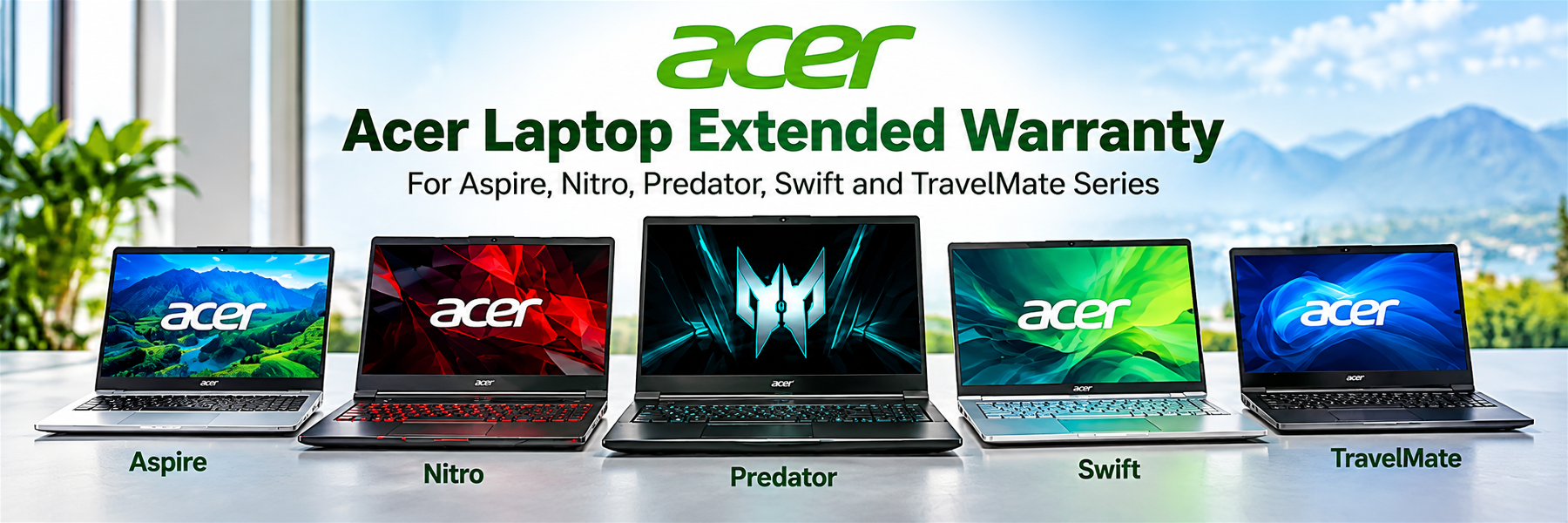
Acer Laptop Extended Warranty
Laptops are used in different environments and are often carried between home, office, college and customer locations. Regular travel and daily use make it important to understand the available warranty protection. Acer Laptop Extended Warranty options may help eligible users continue hardware protection beyond the standard warranty period.
Customers looking for an Acer Laptop Warranty Extension should first confirm the laptop's model number, serial number or SNID, purchase date and current warranty status. These details help identify whether an additional warranty plan is available for the specific device.
Acer laptop ranges may include Aspire, Nitro, Predator, TravelMate and Swift models. The availability of an Acer Aspire Extended Warranty, Acer Nitro Extended Warranty, Acer Predator Extended Warranty, Acer TravelMate Extended Warranty or Acer Swift Extended Warranty depends on the exact model and applicable plan conditions.
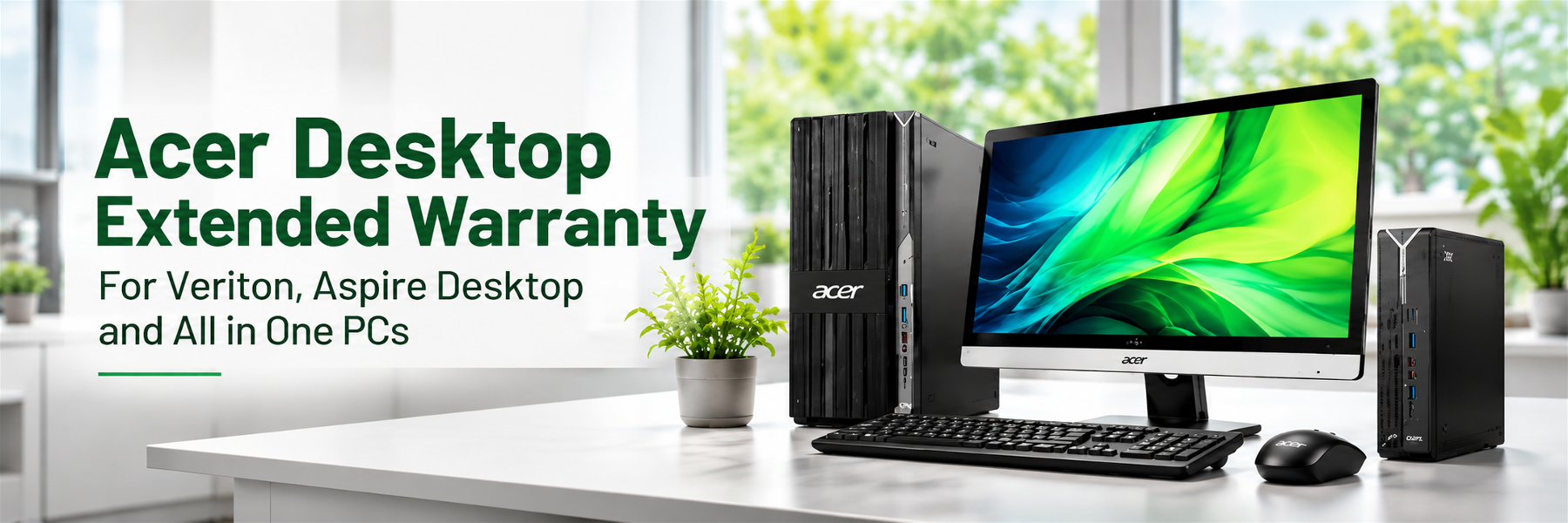
Acer Desktop Extended Warranty
Desktop computers are commonly used in offices, shops, educational institutions and homes. They may support accounting, billing, design, administration, communication and other daily activities. A suitable warranty option can help eligible users plan hardware protection beyond the original warranty period.
Acer Desktop Extended Warranty and Acer Desktop Warranty Extension options should be checked against the desktop model and serial number. Customers should also review the coverage period, service method and applicable exclusions before confirming a purchase.
Selected desktop categories may include Acer Veriton systems and All-in-One PCs. Enquiries for Acer Veriton Desktop Warranty and Acer All in One PC Extended Warranty can be made by sharing the complete product details for an eligibility check.

What Does Acer Extended Warranty Cover?
The coverage under an extended warranty depends on the plan selected for the eligible Acer product. Customers should review the official plan documentation to understand the hardware components, service conditions and exclusions that apply.
An eligible extended warranty plan can provide continued protection for the hardware issues listed in its terms. It is important to understand that warranty coverage is not the same as a general insurance policy. Accidental damage, liquid damage, physical breakage, software issues and other situations may be excluded unless the selected plan specifically includes them.
Before purchasing a plan, customers should review the following points:
- Which hardware components are included in the coverage?
- What is the start date and end date of the additional warranty?
- Does the plan include onsite service or another service method?
- Are accidental damage and liquid damage specifically included?
- Are there any location-based service conditions?
- What documents are required when raising a service request?
- What exclusions or limitations are mentioned in the plan?
Reading these details before purchase helps customers make a more informed decision. Dream-N-Drive can assist with enquiries about available Acer warranty options and the details required to check eligibility.
Acer Laptop Warranty Plans and Desktop Coverage Options
The right warranty plan depends on the computer model, current warranty status and the type of protection required. Different customers have different priorities. A home user may want to continue basic hardware coverage, while a business may need to plan warranty protection for multiple computers used by different teams.
When comparing Acer Laptop Warranty Plans, customers should focus on the actual benefits and conditions rather than selecting a plan only by its name or duration. The plan document should clearly identify the covered product, coverage period and service conditions.
1. Standard Warranty Period
The standard warranty is the original coverage supplied with an Acer product. Its duration and conditions depend on the product and the warranty supplied at the time of purchase. Customers should check the warranty information provided with their device or use the official Acer support resources to review the current status.
2. Additional Warranty Period
An additional warranty plan may extend eligible hardware protection beyond the original warranty period. The available duration and purchase conditions can vary. Customers should confirm whether the plan must be purchased during the active standard warranty period or whether another purchase window applies to their model.
3. Onsite or Service-Centre Support
The service method depends on the selected plan and product eligibility. Some warranty offerings may include onsite support, while others may require the product to be taken or sent to an authorised service location. Customers should confirm the service method and location coverage before placing an order.
4. Accidental Damage Protection
Accidental damage protection is a separate benefit where offered. It should not be assumed to be part of every Acer extended warranty. Customers should check the exact plan document to see whether incidents such as accidental drops, liquid spills or screen damage are included and what exclusions apply.
5. Business and Professional Coverage
Business users may need to review warranty options according to the role of each device. Computers used for daily office work, field operations, design or other specialised tasks may have different support requirements. A suitable plan should match the actual business need and the coverage available for the model.
Acer Warranty for Personal and Home Users
Personal users often depend on their laptops for education, entertainment, communication, online banking and everyday tasks. A desktop may be used by the entire family for work, study and personal activities. A hardware issue can interrupt these activities and may require an unexpected repair expense.
An additional warranty may be useful for customers who plan to continue using their Acer computer beyond the original warranty period. Before choosing a plan, consider how long you expect to use the device and whether the available coverage matches your requirements.
- Students using laptops for classes and assignments.
- Home users who depend on computers every day.
- Professionals working remotely from home.
- Users who plan to keep their device for several years.
- Families using a shared desktop or All-in-One PC.
Customers should compare the cost of the additional warranty with the device's age, value and expected usage period. The decision should be based on the actual coverage offered and not only on the general idea of extended protection.
Acer Business Laptop Warranty for Companies
Businesses use computers to support communication, accounting, sales, administration, customer service and daily operations. When a laptop or desktop stops working, employees may not be able to complete their assigned tasks. For organisations with multiple devices, managing warranty status becomes an important part of IT asset planning.
Acer Business Laptop Warranty enquiries can help IT teams review available options for eligible professional devices. The right coverage depends on the model and the service terms offered for that product.
- Review warranty status for each business computer.
- Maintain a list of serial numbers and purchase dates.
- Identify devices approaching warranty expiry.
- Check the available options for each model.
- Review service conditions for different office locations.
- Maintain warranty documents for future reference.
Organisations managing a large number of computers can prepare a device list and share the details for an organised warranty enquiry. This helps identify which devices may be eligible and which models require separate checking.
Acer Warranty Price in India and Extension Cost
The Acer Warranty Price in India can differ from one product to another. Laptop and desktop models may have different warranty options, and the available price can depend on the product category, plan duration and selected coverage. For this reason, a single price cannot be applied to every Acer computer.
Customers searching for the Acer Warranty Extension Cost should share the exact model and serial number. The purchase date and current warranty status may also be required to identify the available options. Once the relevant details are checked, customers can enquire about the applicable plan and price.
Factors That May Affect Warranty Pricing
- Product category: Laptop, desktop and All-in-One PC plans may differ.
- Model number: The available options may vary between product models.
- Warranty duration: Different coverage periods may have different prices.
- Coverage type: Additional service benefits may affect the plan cost.
- Purchase date: The device's age and warranty status may affect eligibility.
- Plan availability: The current Acer offering for the model determines the options.
Dream-N-Drive can assist customers who want to enquire about Acer Warranty Price in India. Share the product details to check the available options. The final price should always be confirmed before purchase.
Acer Laptop Warranty Renewal and Desktop Warranty Renewal
Customers often search for Acer Laptop Warranty Renewal or Acer Desktop Warranty Renewal when the original warranty is close to expiry. It is useful to check the warranty status early because additional warranty purchase options may be subject to specific eligibility periods.
A renewal is not automatically available for every expired device. The model, serial number, purchase date, previous warranty history and current plan availability may affect the options. Customers should not assume that a device can be renewed after expiry without checking the applicable terms.
If your Acer warranty is approaching its end date, keep the purchase invoice and serial number ready. Contact Dream-N-Drive to enquire about the available options for your device. Checking in advance gives you time to understand the plan conditions and make a suitable decision.
How to Buy Acer Extended Warranty Online in India
Customers who want to purchase an additional warranty can follow a simple enquiry process. The product details are checked first so that the available options can be identified before an order is confirmed.
Step 1
Share Device Details
Share your Acer laptop or desktop model, serial number or SNID, purchase date and available invoice details with Dream-N-Drive.
Step 2
Check Eligibility
The device details are used to enquire about the applicable warranty options. Availability depends on the model and relevant warranty conditions.
Step 3
Review Plan and Price
Review the available plan, coverage period, price, service conditions and exclusions before confirming your purchase.
Step 4
Confirm Your Order
After confirming the plan details and payment terms, proceed with the order and retain the warranty documentation supplied for your purchase.
Acer Extended Warranty Eligibility and Purchase Requirements
Warranty eligibility is an important part of the purchase process. Not every Acer product will necessarily qualify for every additional warranty plan. The model, serial number, purchase date and existing warranty status should be checked before selecting a plan.
Information Required for an Eligibility Enquiry
- Complete Acer laptop or desktop model number.
- Product serial number or SNID.
- Original date of purchase.
- Purchase invoice, if available or required.
- Current warranty status and expiry date, if known.
- City or location where the product is being used.
These details help identify the product correctly and reduce the possibility of selecting an unsuitable plan. Customers should provide accurate information because the final eligibility decision is subject to the applicable warranty programme and its validation process.
Why Should You Check Eligibility Before Buying?
Checking eligibility before purchase helps confirm whether the selected plan applies to the exact product. It also gives customers an opportunity to understand the coverage period, exclusions and service method. A plan should not be purchased only because it is listed for a similar Acer product. The exact model and serial number matter.
Customers should also retain the order confirmation, invoice and warranty certificate or other plan documentation. These records may be required when checking the coverage or raising a future service request.
Acer Laptop Warranty Check and Warranty Status
Before purchasing an extension, customers should understand the current warranty status of their Acer computer. An Acer Laptop Warranty Check can help identify the original warranty details and whether the device is still within its standard coverage period.
Use Acer's official support resources to check warranty information. Keep the product serial number or SNID ready and enter the details carefully. The information displayed should be compared with your purchase invoice and warranty documents.
- Locate the serial number or SNID on your Acer device.
- Keep your purchase invoice available.
- Check the current warranty status through Acer's official resources.
- Note the warranty expiry date, if displayed.
- Save the relevant warranty information for future reference.
How to Check Acer Warranty Details Before Renewal
Customers planning an extension should check the existing warranty before placing an order. The original warranty period, purchase date and model details can help determine which additional warranty options may be available.
If the online warranty information does not match the purchase invoice, keep the relevant documents ready and contact the appropriate Acer support channel for clarification. Accurate product information is important for warranty validation.
- Confirm the product model and serial number.
- Compare the warranty status with the purchase invoice.
- Check whether the original warranty is active or expired.
- Ask about additional warranty eligibility for the model.
- Review the plan terms before confirming a purchase.
Why Choose Dream-N-Drive for Acer Warranty in India?
Choosing the right warranty option requires clear information about the product, coverage and purchase conditions. Dream-N-Drive Pvt. Ltd. assists customers who want to enquire about Acer extended warranty options for eligible laptops and desktops. Our team helps customers understand the information required for checking availability and comparing the applicable plan details.
As an Acer Warranty Reseller in India, Dream-N-Drive focuses on warranty plan enquiries and purchase assistance. We aim to make the process straightforward by helping customers organise their device details and understand the information they should review before confirming an order.
Product Eligibility Assistance
We help customers identify the product information required for an eligibility enquiry, including the model, serial number and purchase details.
Plan Information
Customers can enquire about available warranty options and review the relevant coverage period, conditions and pricing before making a decision.
Business and Individual Enquiries
We assist individual customers and organisations looking for warranty options for eligible Acer laptops and desktop computers.
- Assistance with Acer laptop and desktop warranty enquiries.
- Guidance on the information required for eligibility checks.
- Support for individual and business requirements.
- Enquiries for multiple Acer devices and business IT assets.
- Clear communication about plan details and purchase conditions.
Dream-N-Drive is a warranty reseller and does not represent itself as an Acer-authorised service centre or an authorised Acer partner. Warranty coverage and technical service are governed by the applicable Acer plan and its service arrangements.
For other IT requirements, explore our IT Hardware Solutions.
For genuine software and licensing requirements, visit our IT Software Solutions page.
For regular IT maintenance and technical support, explore our AMC Services.
You can also explore our Lenovo Extended Warranty in India page for eligible Lenovo laptops and desktops.
For HP laptops and desktops, visit our HP Extended Warranty in India page.
Frequently Asked Questions – Acer Extended Warranty in India
Find answers to common questions about Acer laptop and desktop extended warranty, eligibility, pricing, renewal and purchase options.
Choose the Right Acer Warranty Option for Your Device
Every Acer computer has its own model details and warranty conditions. Before purchasing an additional warranty, check the current warranty status, confirm the device's eligibility and understand the coverage offered under the selected plan. This simple preparation can help you make a more informed purchase decision.
Whether you need an extension for an Acer Aspire laptop, a gaming laptop, a business notebook, a Veriton desktop or an All-in-One PC, start with the exact model and serial number. Contact Dream-N-Drive for an enquiry about available options and pricing.
Dream-N-Drive Pvt. Ltd. assists customers with Acer warranty enquiries across India. Contact our team to discuss your device requirements and explore the applicable warranty options.
Dream-N-Drive Pvt. Ltd.
Phone: +91-9690159393
Email: info@dreamndrive.net